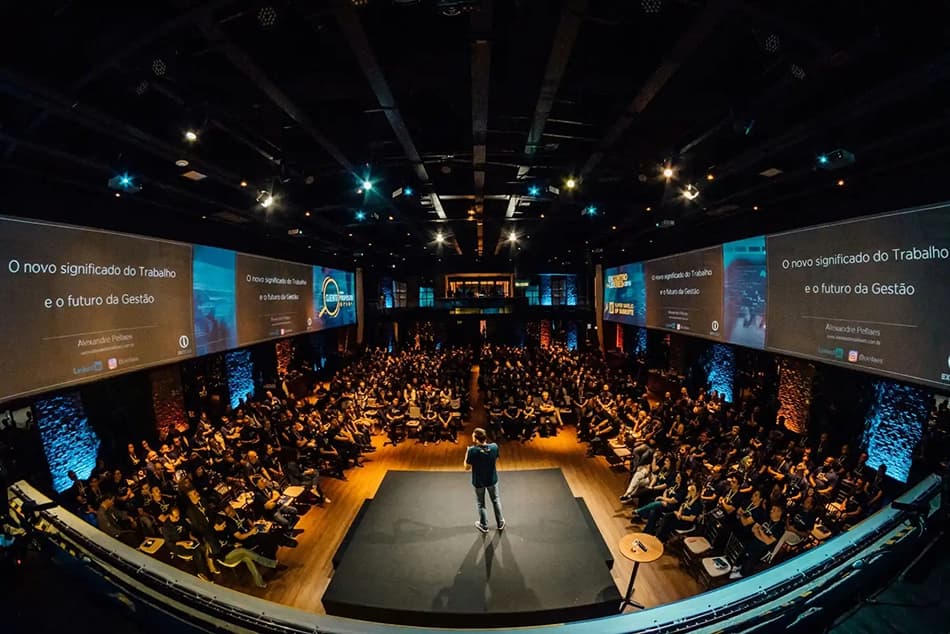
Medical and scientific conferences
Organize the program, speaker profiles and scientific papers to make it easy to browse and follow the sessions.
Apps for medical conferencesShare the agenda, keep your attendees informed, and make networking and participation easy in an app that carries your event's branding.
An event app brings together the information and tools attendees need to follow the program, take part and connect with other people before, during and after the event.
With Eventool you can tailor it to your event and manage its content from a panel, with no coding needed.
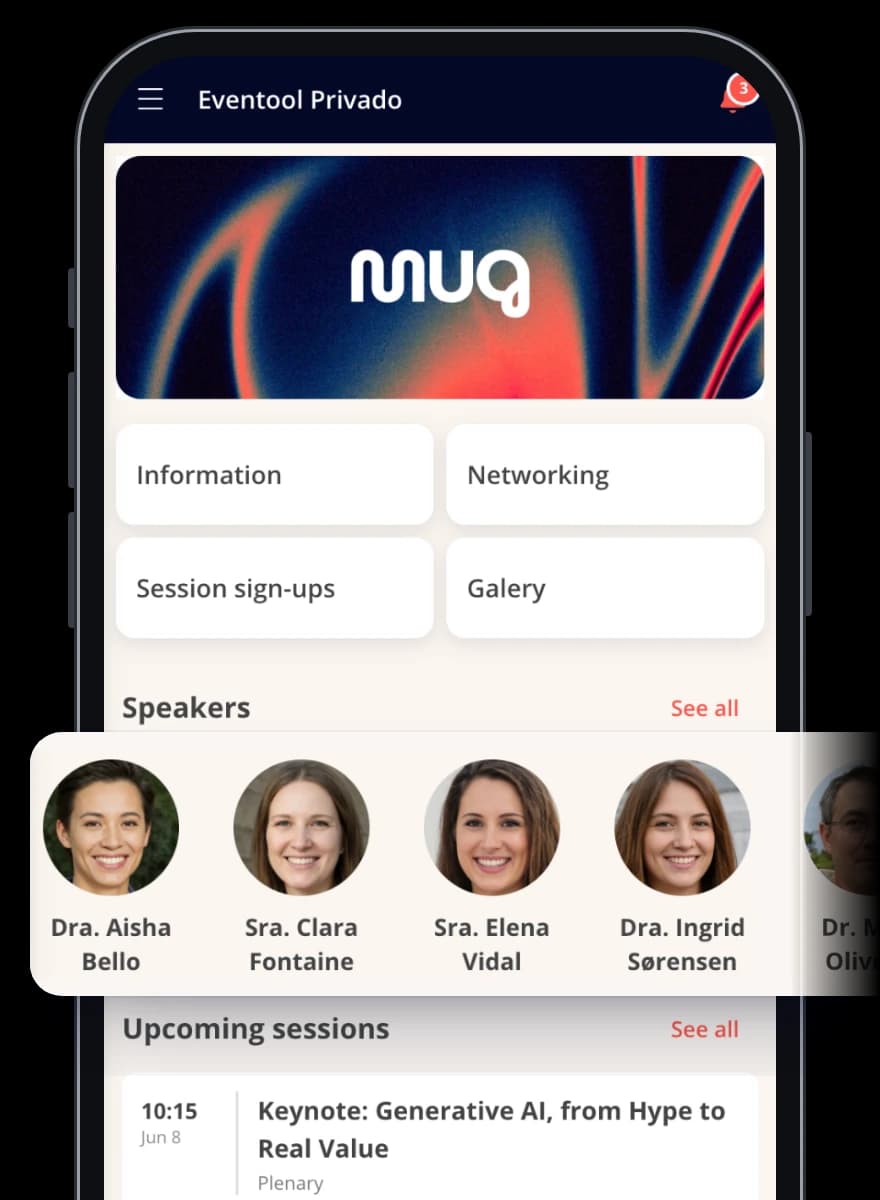
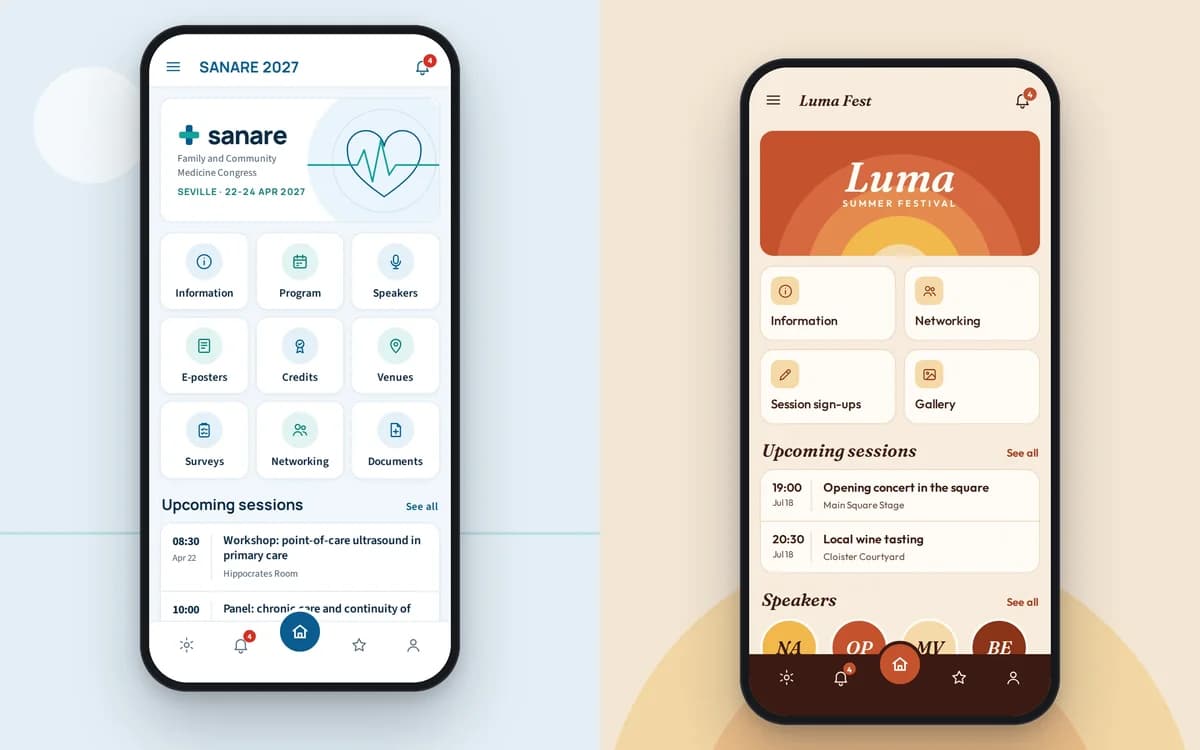
Reach the key information in a few steps and make navigation quick from the very first moment.
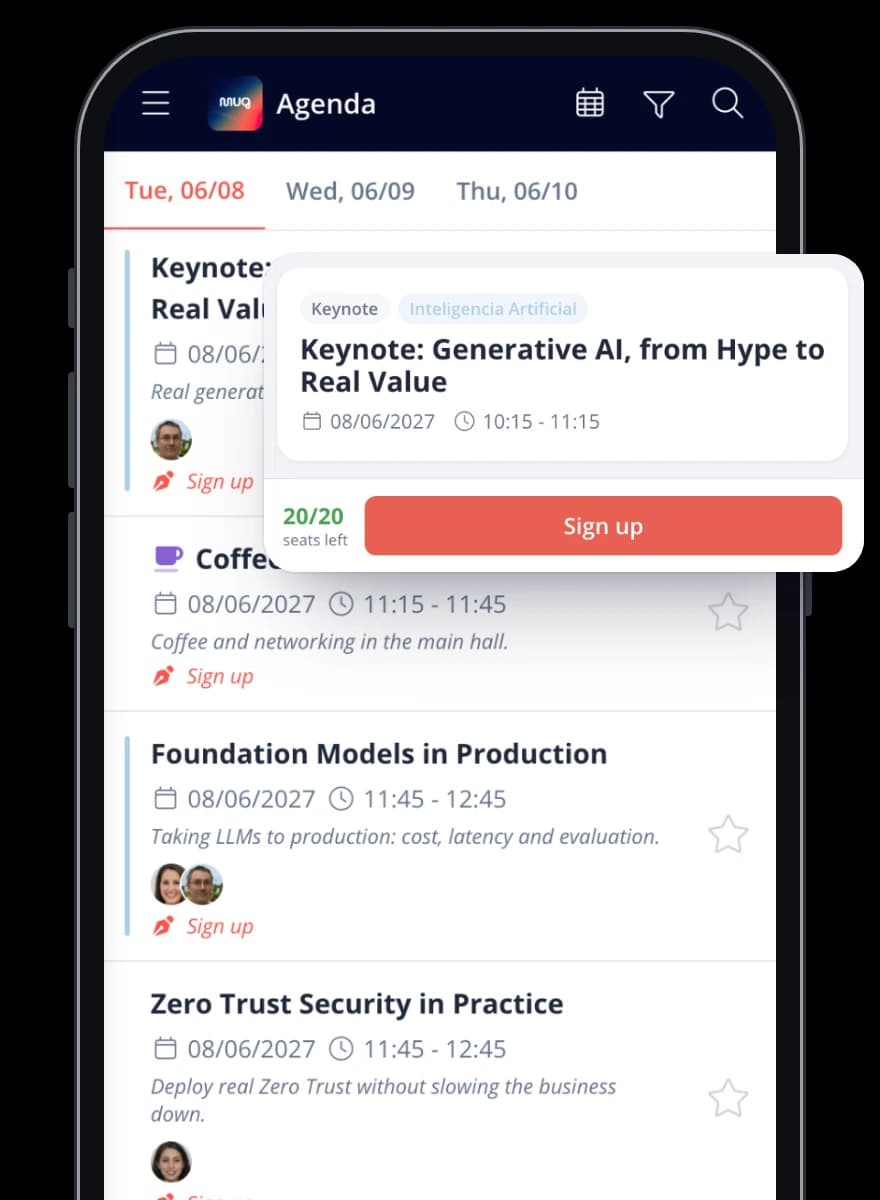
Organize content clearly so your attendees can easily find the agenda, sessions, speakers or announcements.
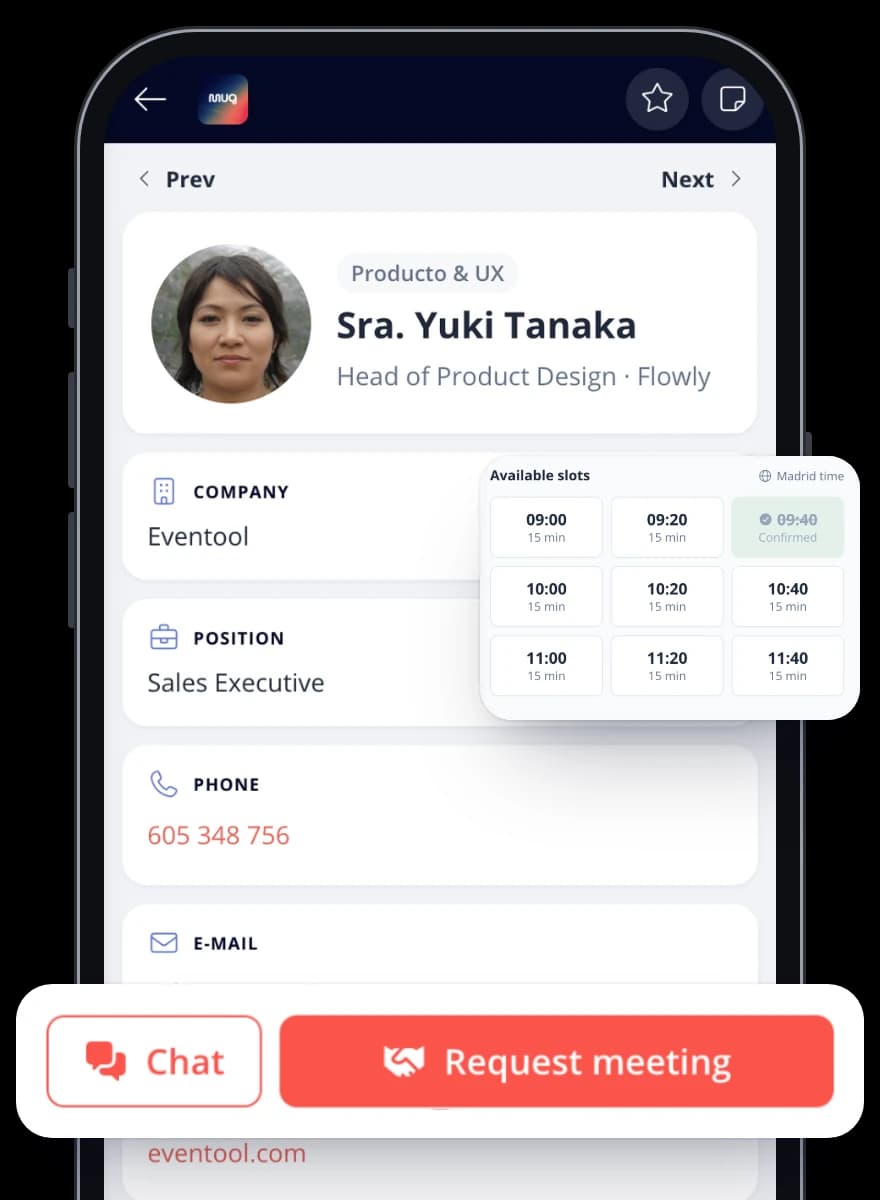
Present information in a more visual, user-friendly way to improve the attendee experience throughout the event.
Make your attendees recognize your event the moment they open the app. Adapt the colors, images and sections to its identity.
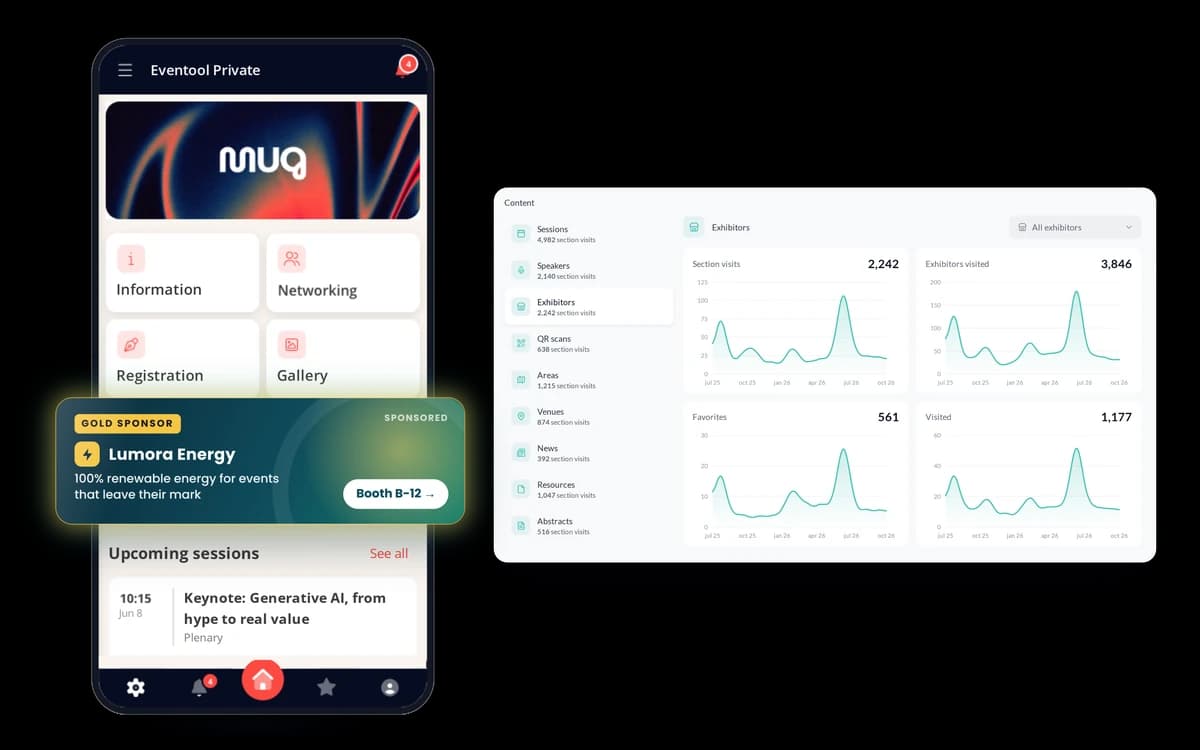
Organize the home screen to highlight what matters most at each moment: the program, an announcement, meetings or your sponsors. You decide what content to show and how to present it.
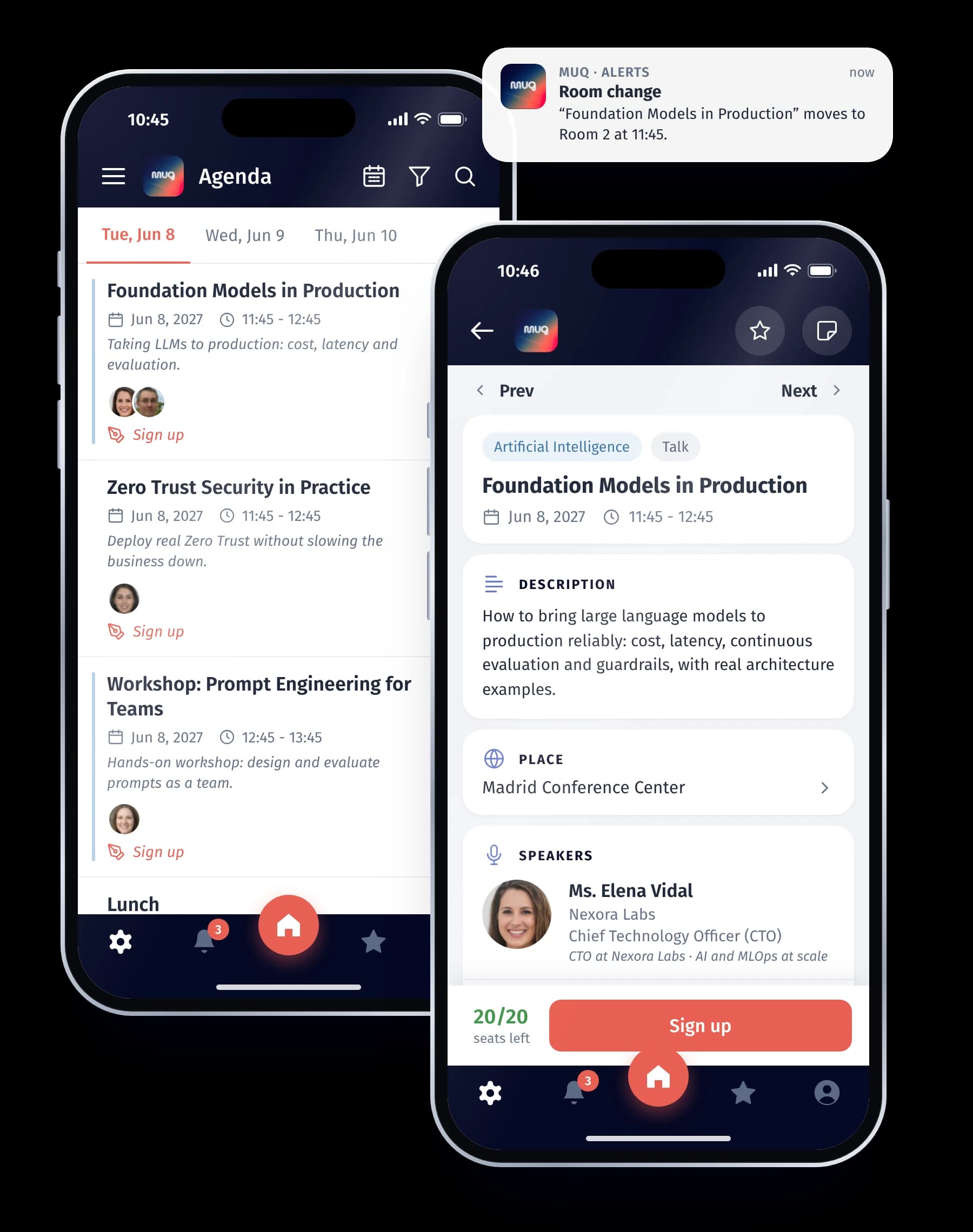
Help your attendees know what's happening, where they need to be and what they need to follow the event.
Share the program, speaker profiles, documentation and locations. Update the content from the panel and communicate important changes through in-app announcements.
You can also set up several languages and give each attendee private information, such as their itinerary or personal documentation.
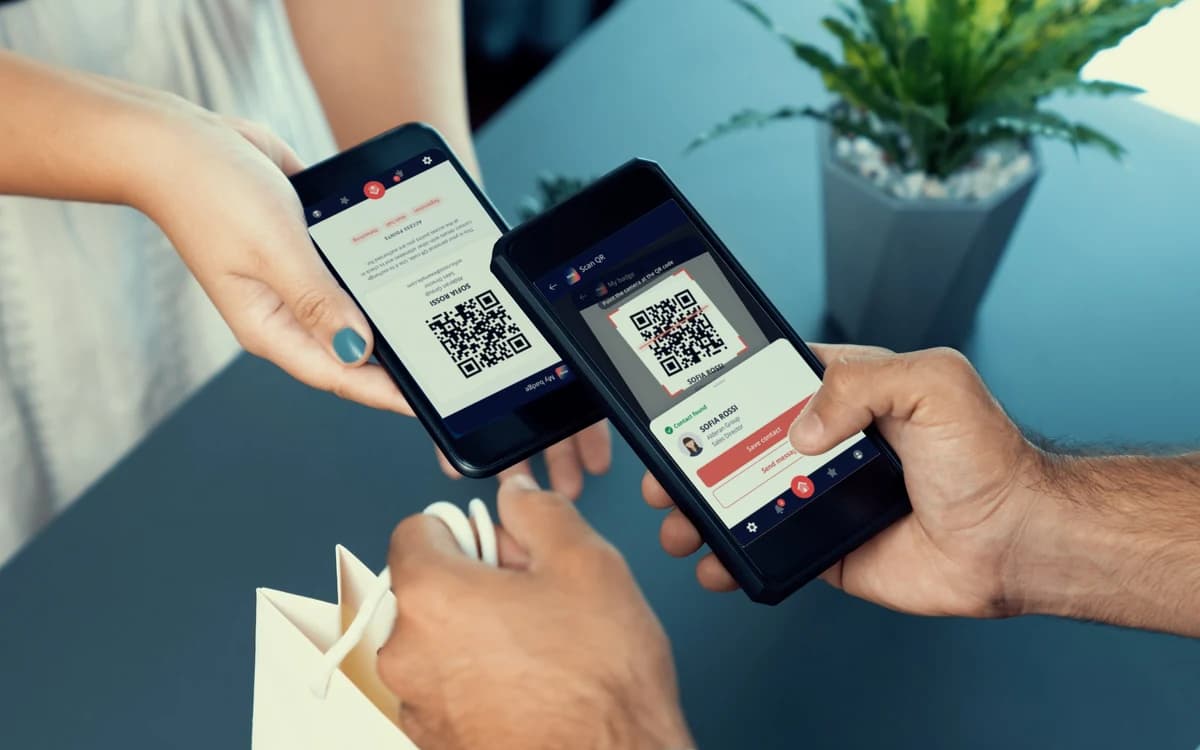
Make it easy for your attendees to get to know other people and prepare their meetings before they arrive at the event.
They can browse profiles, chat and request one-to-one meetings from the app. During the event, exchanging contacts through QR codes lets them save the details of the people they meet.
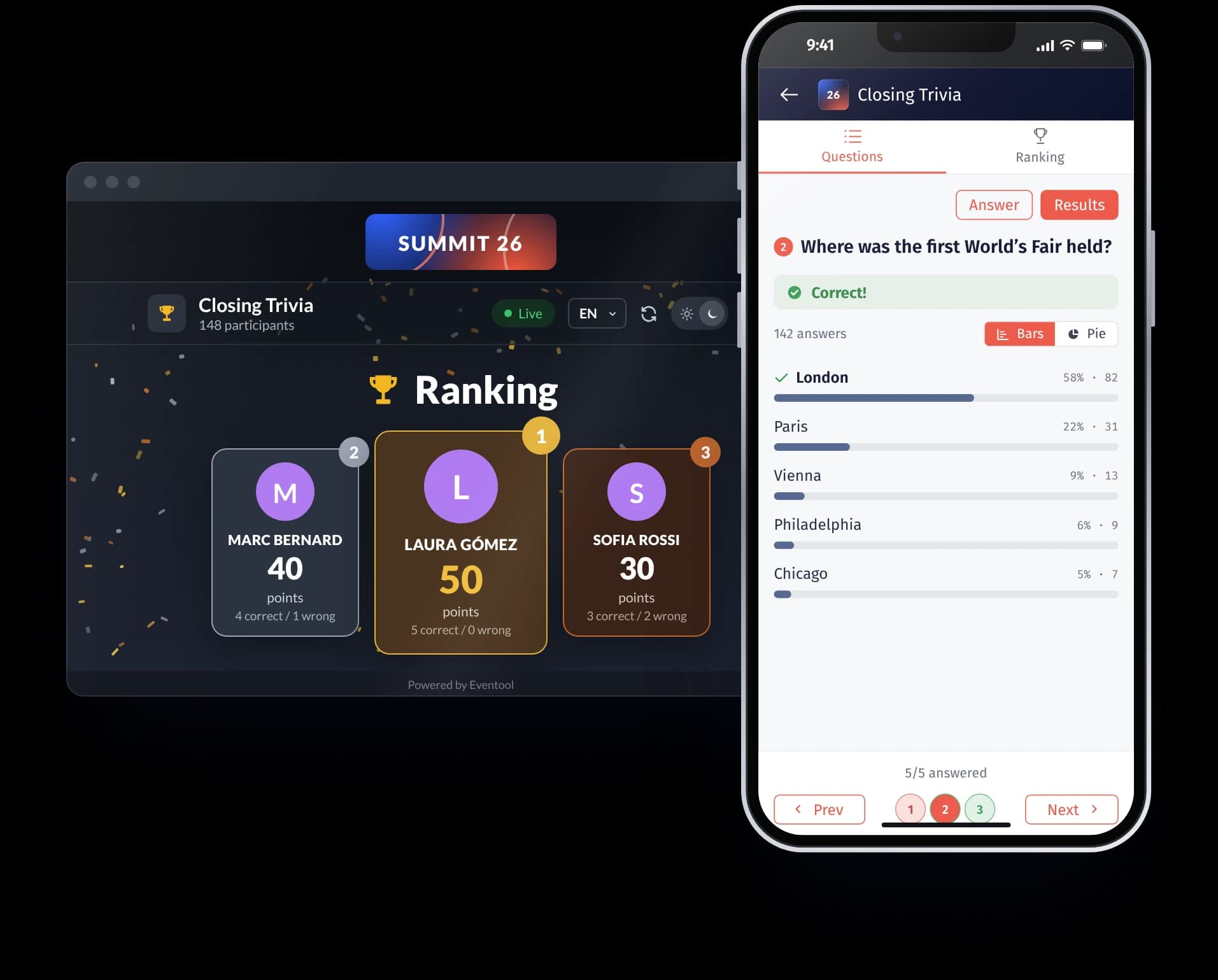
Open the conversation beyond the stage. Attendees can send questions to speakers, vote during sessions and share comments or images on the event wall.
Gather their opinions with surveys and ratings to learn what worked and what to improve in the next edition.
Give participating companies a space to present their business, share materials and make it easy for attendees to get in touch.
Highlight their brand in the app and include profiles with information, documents, links and representatives. That way, attendees can learn about their offering and contact the members of their team taking part in the event.
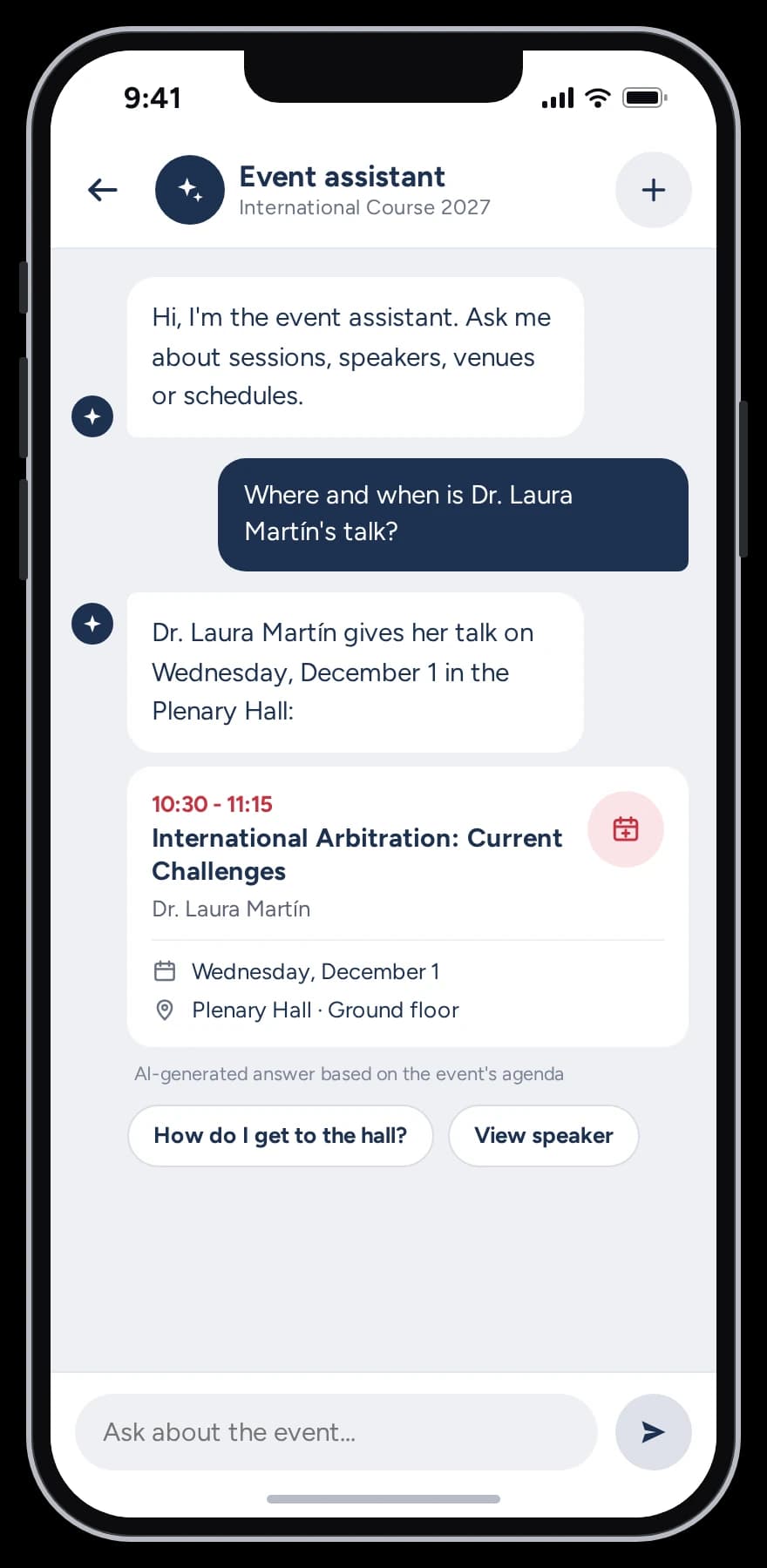
Give your attendees another way to find information: asking directly from the app.
The AI assistant uses the event's content to answer questions about the program, the speakers and practical information. It helps attendees find their way without browsing different sections and supports you in handling common queries.
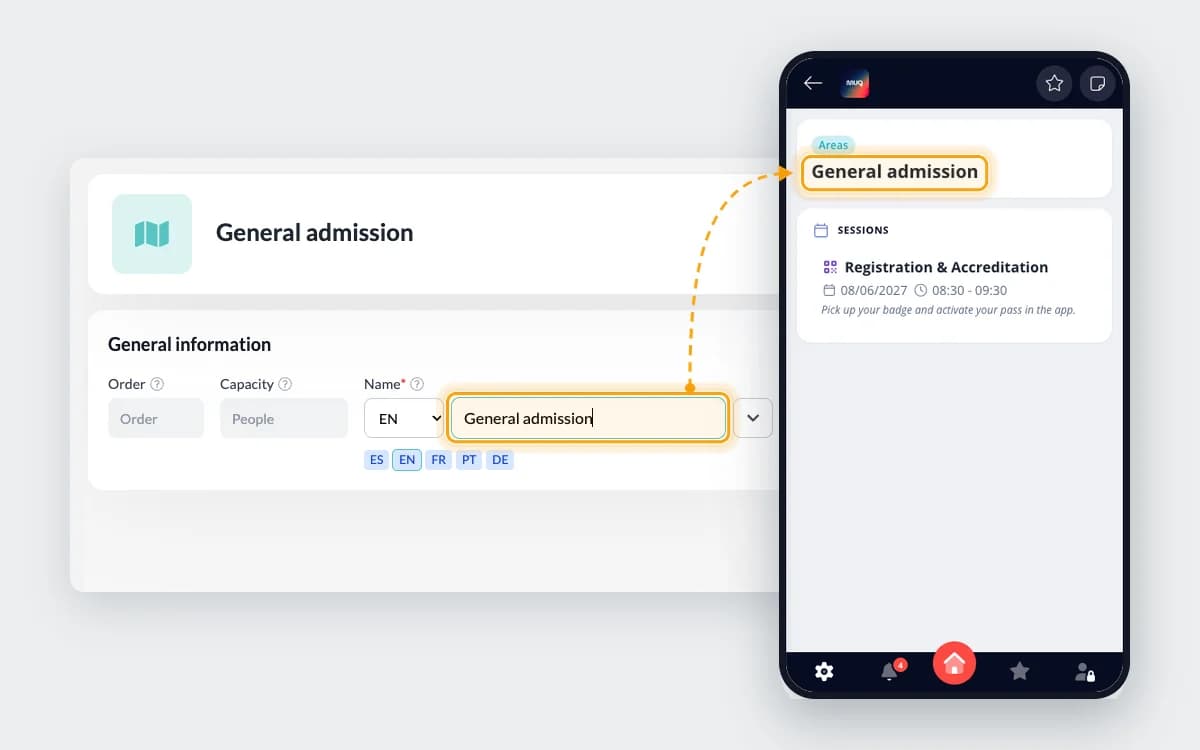
Keep your event information up to date and manage the app independently, with no technical knowledge needed.
Manage the agenda, speakers, documents, sponsors and other content whenever you need to.
View your attendee list and centralize all event-related communications.
Review usage data to see how attendees interact with the app.
The choice depends on how you want your attendees to access it and the presence your brand needs.
Attendees download Eventool and access your event inside the app. You customize its design and content without publishing a standalone app.
Attendees download your app from the App Store or Google Play. It can be dedicated to one event or bring together several events from your organization.
To publish it, your organization needs Apple and Google developer accounts.
Attendees open the event in their browser through a link or a QR code, without installing an app.
At ALADYR we're delighted with Eventool, both for how practical the platform is and for the service they've given us from day one. Immediate answers to our questions about the platform, timely and appropriate solutions, always ready to adapt the platform to our requirements.
 Elayne FonsecaALADYR
Every event has its own priorities. Combine the information and tools your audience needs.
Organize the program, speaker profiles and scientific papers to make it easy to browse and follow the sessions.
Apps for medical conferences
Share the agenda, communicate changes and make it easy for employees, teams and partners to take part during the event.
Apps for corporate events
Give access to schedules and materials, collect questions during sessions and ask participants for their feedback.
Apps for courses and seminars
Provide itineraries, locations and documentation so every participant knows where to go and what they need at each moment.
Apps for incentive tripsWe go over the dates, the audience and the features you need to guide the choice of app.
We agree on the design, the sections and the content each team will prepare.
You keep the information up to date from the panel and can count on our team to answer your questions.
Tell us what you're organizing and we'll help you work out which app and features you need. You don't need to have everything decided.